> ## Documentation Index
> Fetch the complete documentation index at: https://usedx.sh/llms.txt
> Use this file to discover all available pages before exploring further.
# dx - Terminal DX
> A fast, trustworthy terminal runner that turns docs into do-ables
> Before we chase superintelligence, let's conquer keystrokes. Speech-to-text and agents paved the way; we'll push it further.
## What is dx?
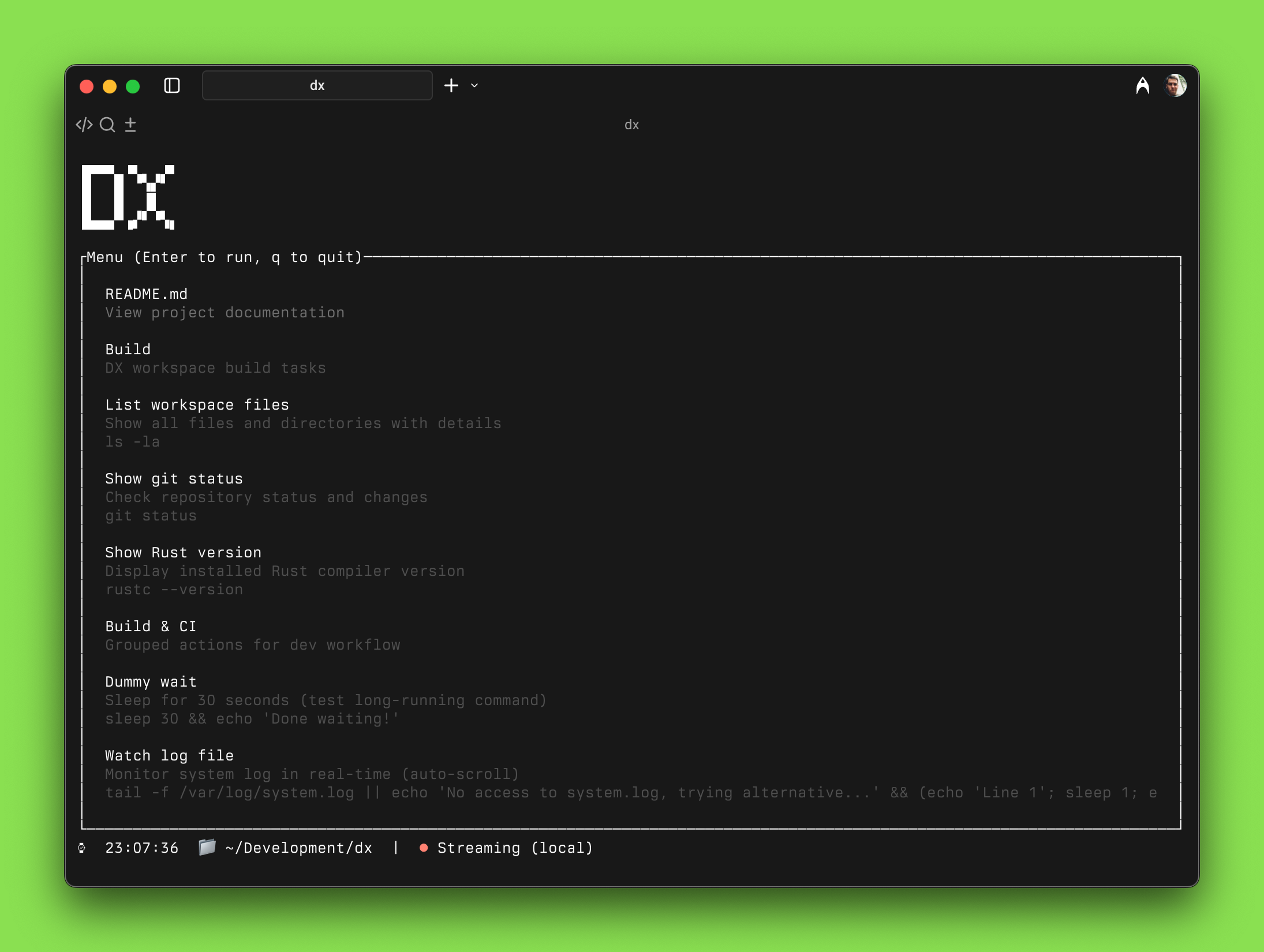
**dx** is a developer-first CLI/TUI that transforms your README, runbooks, and scripts into a focused terminal experience. What Cursor is for professional coding, and Bolt/Lovable are for vibe-coding, dx aspires to be for the terminal.
 ## Install dx
Get started with dx in seconds:
```bash theme={null}
curl -fsSL https://getdx.sh | sh
```
Single static binary, no runtime dependencies.
## Install dx
Get started with dx in seconds:
```bash theme={null}
curl -fsSL https://getdx.sh | sh
```
Single static binary, no runtime dependencies.